Every clip, saved automatically
Every clip you shoot lands in your Photos on its own, right there in Recents. Missed a few earlier? Add older recordings in a tap. Prefer to keep it manual? Switch it off in Settings.
Camcora is a camcorder app that films the way home video used to look and sound — VHS grain, wobbling tape, a glowing on-screen date. Every effect is baked in as you shoot.
◉ New in v1.6
Version 1.6 makes saving automatic: every clip you shoot goes straight to your Photos. Add to that multi-take tapes, faster ways to start rolling, and a few quiet refinements.
Every clip you shoot lands in your Photos on its own, right there in Recents. Missed a few earlier? Add older recordings in a tap. Prefer to keep it manual? Switch it off in Settings.
Record, stop, then record again onto the same tape — it all saves as one continuous video. Change the preset between takes, with an optional tape glitch at every cut.
Jump straight into the viewfinder from Control Center, the Lock Screen, the Action Button or Camera Control.
Your last preset is remembered, transitions can be turned off, and Settings now shows how much space Camcora is using.
◉ New in v1.3
Version 1.3 hands you the fine controls — tune every preset, own the timestamp, decide what shows on screen — and adds one-tap sharing straight to TikTok.
Make the look your own — dial the grain, the glitch and the colour of each preset up or down until it feels exactly right.
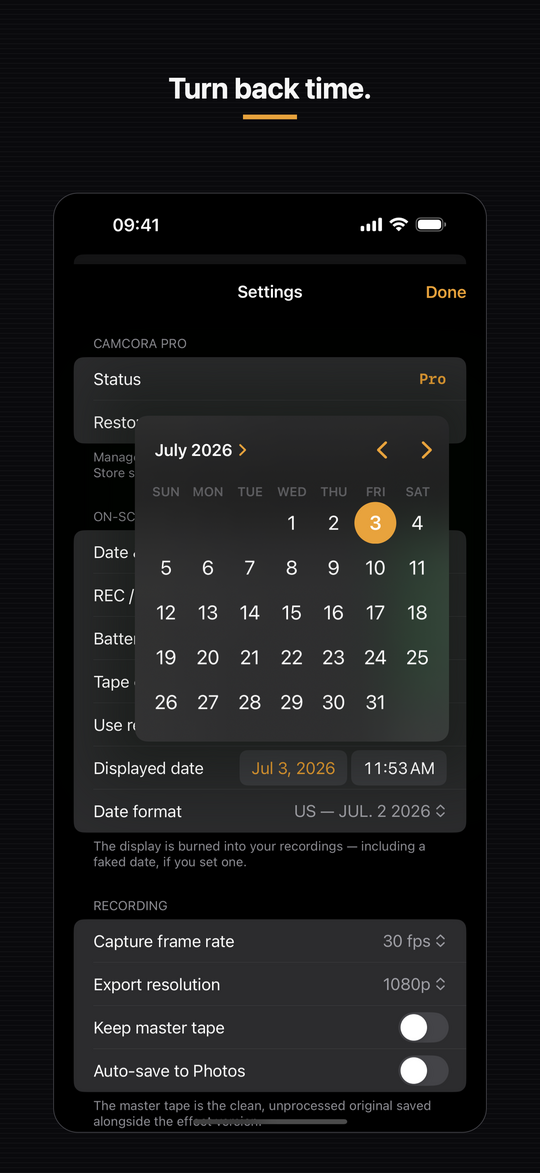
Set any timestamp in the viewfinder and roll a clip back to 1997 — while the clock keeps ticking for real.
Show or hide the date, the REC indicator and the battery — each one on its own.
Send a finished clip to TikTok with a single tap.
◉ New in v1.2
Version 1.2 adds three new Pro presets, pushing Camcora past the tape era and into the first rough years of digital.
The tape that should have stayed buried. The signal drops, rolls and tears itself apart at random — pure late-night, found-in-the-attic dread.
The first digital snapshots of the mid-2000s: soft, blocky and faintly green, with light that never quite settles. Awkward in the best way.
Shot on the thing in your pocket in 2003 — tiny, chunky pixels, smeared motion and a low, stuttering framerate. Early mobile video, exactly as rough as you remember.
◉ On screen
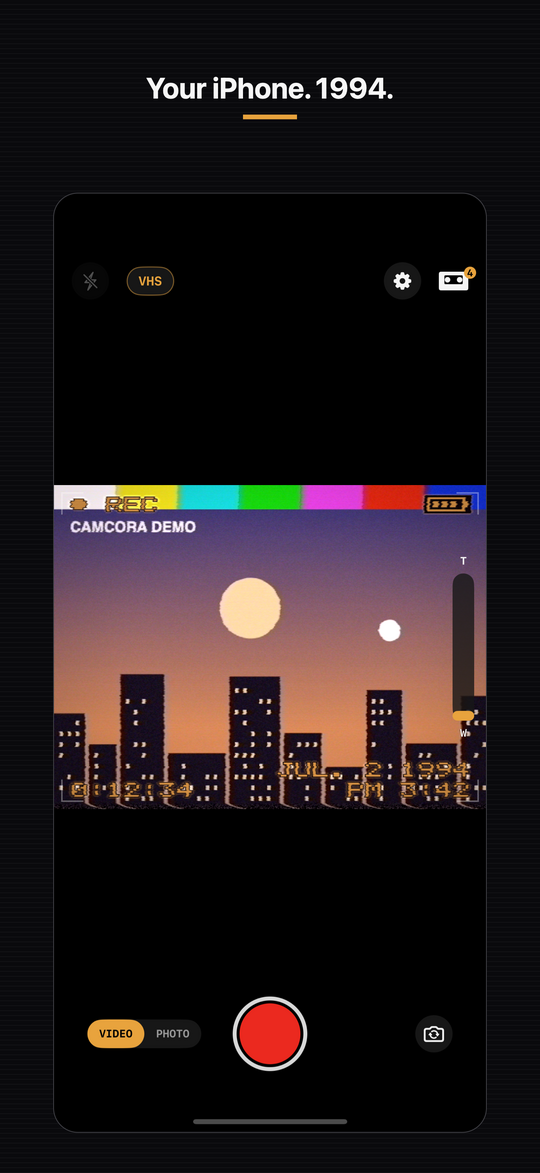
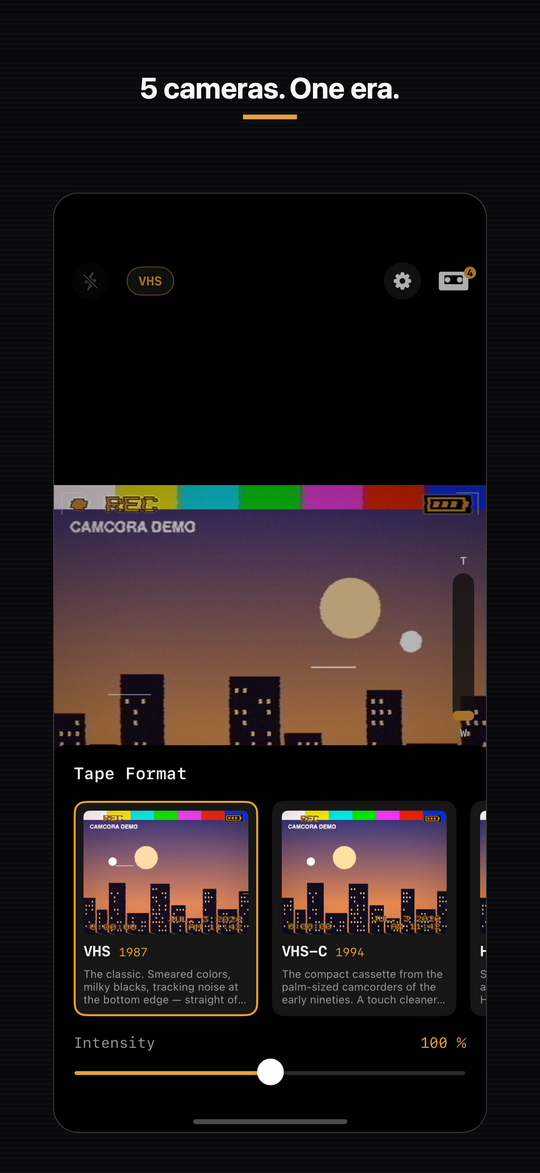
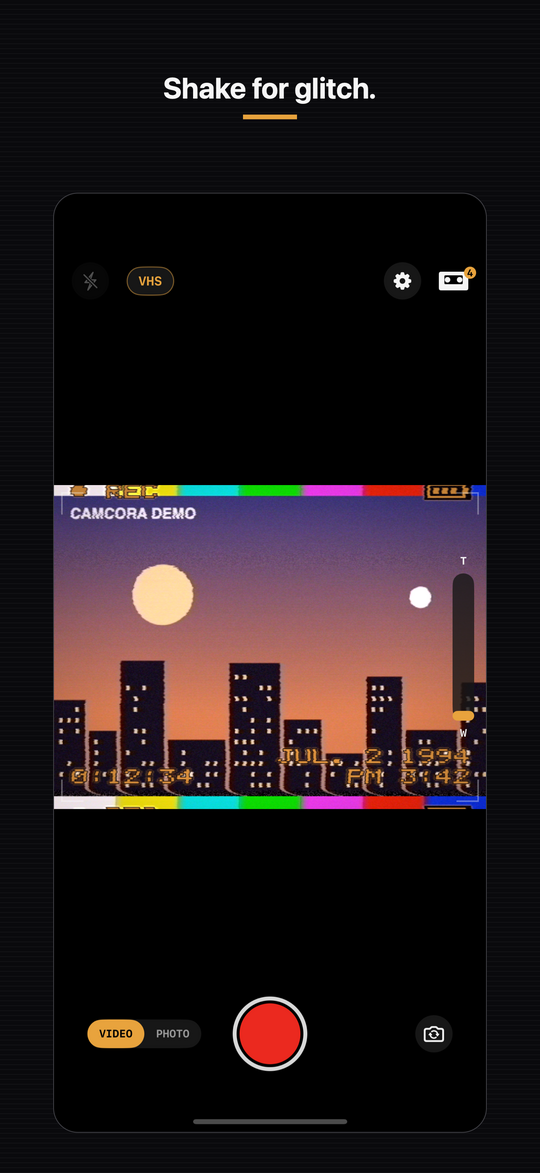
Real screens from the app — the live viewfinder, the camera presets, the tape library and the export options.
◉ What it does
What you see in the viewfinder is what you get. Camcora renders the retro look and sound while you record, so a clip is finished the moment you stop — no editing pass, no export filters bolted on afterwards.
The effect is shown in the viewfinder as you shoot and burned into the recording — true WYSIWYG, not a filter added later.
Each preset re-creates a specific era of consumer video — from tracking noise and colour bleed to blocky digital artifacts and lens character.
The glowing on-screen date and time you remember — and you set it freely, so today can read “JUL. 2 1994” if you want it to.
Genuine audio processing — tape hiss, automatic gain control pumping, and wow & flutter — not just a picture filter.
Give your phone a shake mid-shot to trigger tracking dropouts and tape glitches, just like knocking an old deck.
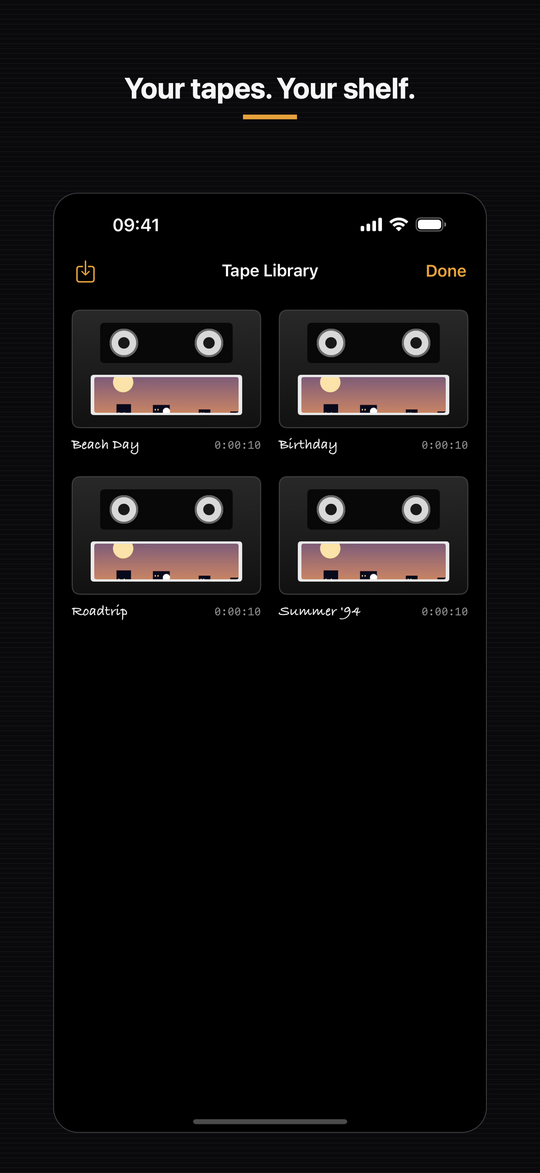
Your recordings live on a virtual cassette shelf on your device — browse them the way you’d flick through a stack of tapes.
Run footage you already have through Camcora’s presets and give old clips the same era-correct treatment.
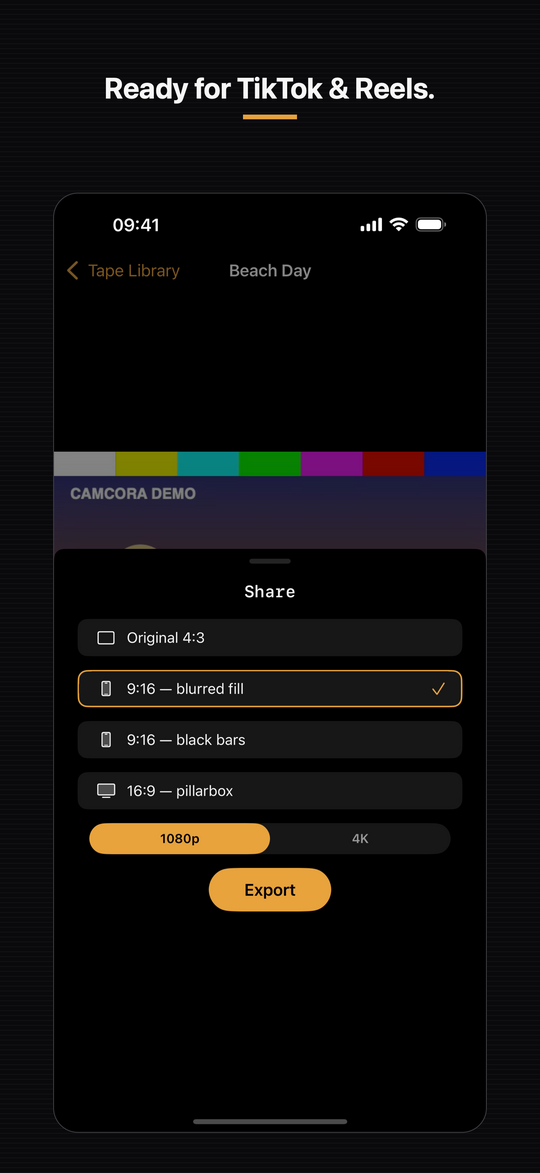
Save in 4:3, 16:9 or vertical 9:16 for TikTok and Reels, up to 4K resolution.
Recording, processing, your presets and your preset codes all stay on the device. No cloud, no accounts, no sign-up — only anonymous counts of which features get used, and you can switch those off.
◉ Free & Pro
Try Camcora for nothing. Unlock the full kit with a one-time purchase or a monthly subscription — pricing is shown in the App.
Everything you need to try the look.
One-time purchase or monthly subscription — pricing shown in the App.
◉ Privacy
Recording, audio and every effect are processed locally on your iPhone, and everything you shoot stays on your device — saved to your Photos and kept in the Tape Library. There is no account, no cloud gallery, and no third-party analytics or advertising SDKs in the app. The one thing that does leave the phone is a count: an anonymous tally of which features get used, sent to our own server with no identifier attached and nothing in it that could point back to you or to a recording. You can turn it off in Settings. Details are in the Privacy Policy.
◉ Questions
No. Recording and all effect processing run entirely on your device, so you can shoot fully offline. A connection is only involved when you buy Pro through the App Store or when you actively share a clip to another app.
They stay on your iPhone. Every clip is saved to your Photos automatically — you’ll find it in Recents — and it’s also kept in Camcora’s on-device Tape Library. You can switch automatic saving off in Settings, and either way there’s no Camcora cloud: nothing leaves your device unless you share it.
Yes. The on-screen date and time are freely adjustable, so you can stamp a clip with any date you like — a birthday, a decade ago, or a fictional “JUL. 2 1994”.
The watermark keeps a genuinely useful free tier possible while supporting the app. Upgrading to Pro removes it from new recordings. Note that effects and the watermark are rendered permanently into a recording, so a watermark already baked into an existing clip can’t be taken back out.
Subscriptions are managed by Apple. Open Settings → your name → Subscriptions on your device to change or cancel, or to turn off auto-renewal. Deleting the app does not cancel a subscription. The one-time lifetime purchase isn’t a subscription and doesn’t renew.
Camcora is an iPhone app and requires iOS 18. It’s available from the Apple App Store; higher-resolution 4K export depends on what your specific device supports.
Yes. Clips you record are yours to use, including commercially. Camcora exports vertical 9:16 alongside 4:3 and 16:9, and offers optional one-tap sharing to TikTok and Instagram.
Turn your iPhone into the camcorder from the shelf in your parents’ living room.